
Watching IPTV on Smart TV is the simplest setup there is: no stick, no box and no extra remote. Your TV already connects to the internet — you just need the right player app and your subscription details. This guide covers Samsung (Tizen), LG (webOS), Android TV and Google TV, plus the most common problems and how to fix them.
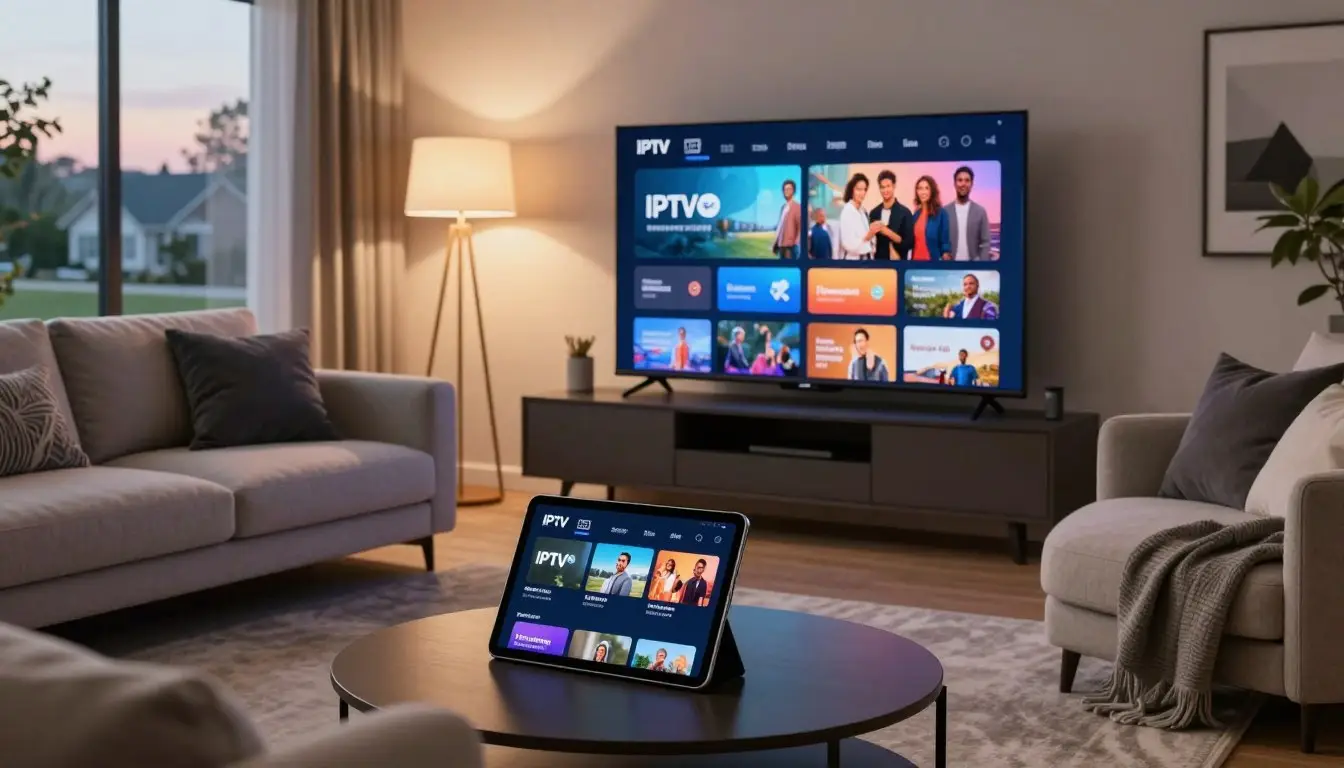
Key takeaways
- Most Samsung, LG and Android/Google TVs from around 2018 onwards can run IPTV apps.
- Samsung and LG use “MAC-based” apps: you activate them on a website using the TV's MAC address.
- Android and Google TVs can run TiviMate, IPTV Smarters Pro and IBO Player.
- Use Ethernet where possible for the most stable picture.
- If your TV is old or the app is unavailable, a Fire TV Stick is a cheap fix.
Can You Get IPTV on Smart TV? Check Compatibility
Find your TV's operating system in Settings › Support › About (Samsung), Settings › General › About this TV (LG) or Settings › Device Preferences › About (Android/Google TV).
| TV brand | Operating system | Popular IPTV apps |
|---|---|---|
| Samsung | Tizen | IBO Player, Smart IPTV, Set IPTV, Flix IPTV |
| LG | webOS | IBO Player, Smart IPTV, Set IPTV, Duplex Play |
| Sony, TCL, Hisense*, Philips | Android TV / Google TV | TiviMate, IPTV Smarters Pro, IBO Player |
*Some Hisense models use VIDAA instead of Android — app choice is more limited there.
App availability varies by region and TV model, so if one app is missing from your store, try another from the list.
How to set up IPTV on a Samsung Smart TV
Samsung is the most popular way to watch IPTV on Smart TV in Australia. Follow these steps:
Open the Samsung Apps store
Press Home on the remote, go to Apps and search for your player, for example IBO Player.
Install and open the app
On first launch the app shows a MAC address and a device key. Write them down or take a photo.
Activate on the app's website
On your phone or computer, open the player's official website, find the playlist upload page and enter the MAC address and device key.
Add your playlist
Paste your M3U URL or enter your Xtream Codes details (server URL, username, password) and save.
Restart the app
Close and reopen the app on the TV — your channels and guide will load.
How to set up IPTV on an LG Smart TV
Setting up IPTV on Smart TV models from LG works almost the same way:
Open the LG Content Store
Press Home, open the LG Content Store (or “Apps”) and search for your player.
Install the app and note the MAC
Launch it and note the MAC address and key shown on screen.
Upload your playlist online
Visit the app's official website, enter the MAC address and add your M3U link or Xtream login.
Reload the app
Restart the app on your TV and wait for the channels to load.
How to set up IPTV on Android TV & Google TV
Android-based TVs have the widest app choice and don't need MAC activation for most players.
Open Google Play
Search for TiviMate, IPTV Smarters Pro or IBO Player and install it.
Choose “Xtream Codes” or “M3U”
Xtream Codes is usually faster and loads the EPG automatically.
Enter your login
Type the server URL, username and password from your welcome message.
Start watching
Wait for the channels and guide to download, then add favourites.
Full walkthrough: IPTV on Android TV.
Ethernet vs Wi-Fi on a Smart TV
Your connection matters more than anything else for IPTV on Smart TV. Smart TVs often have weaker Wi-Fi antennas than phones or laptops, and many older models only support slower Wi-Fi standards. That is why a TV that streams fine on Netflix can still struggle with live IPTV, which has less buffering headroom.
- Use Ethernet if the router is nearby — it is the single biggest improvement you can make.
- No cable run? Powerline adapters send internet over your power sockets and are far more stable than weak Wi-Fi.
- On Wi-Fi, connect to the 5 GHz network and keep the router in the open, not inside a cabinet.
- Mesh Wi-Fi helps in large or multi-storey homes.
Smart TV settings that improve IPTV
These tweaks make IPTV on Smart TV noticeably smoother. A few TV settings make live streaming noticeably better:
- Turn off motion smoothing (Samsung “Auto Motion Plus”, LG “TruMotion”) if fast sport looks unnatural.
- Disable “Instant On” / quick start occasionally and do a full power-off to clear memory.
- Keep the TV software updated — updates often fix app and network bugs.
- Clear the app cache on Android TV in Settings › Apps if the player becomes slow.
- Uninstall apps you don't use — Smart TVs have limited storage and memory.
Best Apps for IPTV on Smart TV
| App | Works on | Best for |
|---|---|---|
| IBO Player | Samsung, LG, Android, Fire TV | Simple setup on almost any TV |
| TiviMate | Android/Google TV | Best TV-guide experience |
| IPTV Smarters Pro | Android/Google TV and others | Beginners, Live + VOD in one |
| Smart IPTV / Set IPTV | Samsung, LG | Lightweight, older models |
What if my TV doesn't support IPTV apps?
Older Smart TVs (and some VIDAA or proprietary systems) may not offer any IPTV player. The easiest fix is to plug in a streaming device:
- Amazon Fire TV Stick — affordable and popular. See IPTV on Firestick.
- Android TV box — full Google Play access. See IPTV Box Australia.
- Apple TV 4K — premium option. See IPTV on Apple TV.
Smart TV vs streaming stick: which is better?
Is IPTV on Smart TV better than a streaming stick? Running IPTV directly on your TV is the tidiest setup, but a dedicated streaming stick or box is often faster and receives app updates for longer.
| Smart TV app | Fire TV Stick / TV box | |
|---|---|---|
| Extra hardware | None | Small one-off cost |
| App choice | Limited on Samsung/LG | Wide (TiviMate, Smarters, IBO) |
| Speed | Depends on TV age | Usually faster menus and zapping |
| Remote | TV remote | Separate remote |
If your TV is less than four or five years old, start with a TV app. If menus feel slow or your favourite app is missing, a stick is a quick upgrade.
Common IPTV on Smart TV Problems & Fixes
| Problem | Fix |
|---|---|
| App not in the store | Try another app from the list, or use a Fire TV Stick |
| “Playlist not found” | Check the MAC address was typed correctly, then restart the app |
| No TV guide (EPG) | Use Xtream Codes instead of M3U, or add the EPG URL in settings |
| Buffering | Use Ethernet, restart router and TV, lower quality to HD |
| Black screen / no sound | Switch the player between hardware and software decoder |
More fixes: IPTV Buffering: How to Fix It.
Related IPTV guides
Frequently asked questions
Can I watch IPTV on my Smart TV without a box?
Yes. Most Samsung, LG and Android/Google TVs can install an IPTV player app directly, so no extra box is needed.
What is the best IPTV app for Samsung TV?
IBO Player, Smart IPTV and Set IPTV are popular on Samsung. Availability depends on your model and region.
Why does my Smart TV IPTV app ask for a MAC address?
Samsung and LG apps link your playlist to the TV using its MAC address. You enter the MAC on the app's website to add your channels.
Do I have to pay for the IPTV app?
Many TV apps offer a free trial and then a small one-time activation fee to the app developer, separate from your IPTV subscription.
Is Ethernet better than Wi-Fi for Smart TV IPTV?
Yes. A wired connection is more stable and greatly reduces buffering, especially for live sport and 4K.
Can I use IPTV on an older Smart TV?
If the app store no longer offers IPTV players, plug in a Fire TV Stick or Android TV box — it works with any TV that has an HDMI port.
How do I find my Samsung or LG TV's MAC address?
Most IPTV apps show it on the first screen. You can also find it in the TV's network settings under Network Status or About.
Ready to start watching?
Thousands of live channels and on-demand titles on anti-freeze servers. Plans start from $14.99/month with a 7-day money-back guarantee.
Get Started with Best IPTV →